Organization fit
Best fit for degree, engineering, professional, and autonomous colleges that want connected academic, administrative, finance, examination, and reporting workflows.
 Book ESAAP Demo
College automation
ESAAP helps colleges run admissions, student records, academics, attendance, fees, examinations, digital valuation, HR, services, mobile access, reports, and custom activities with clearer department ownership and management visibility.
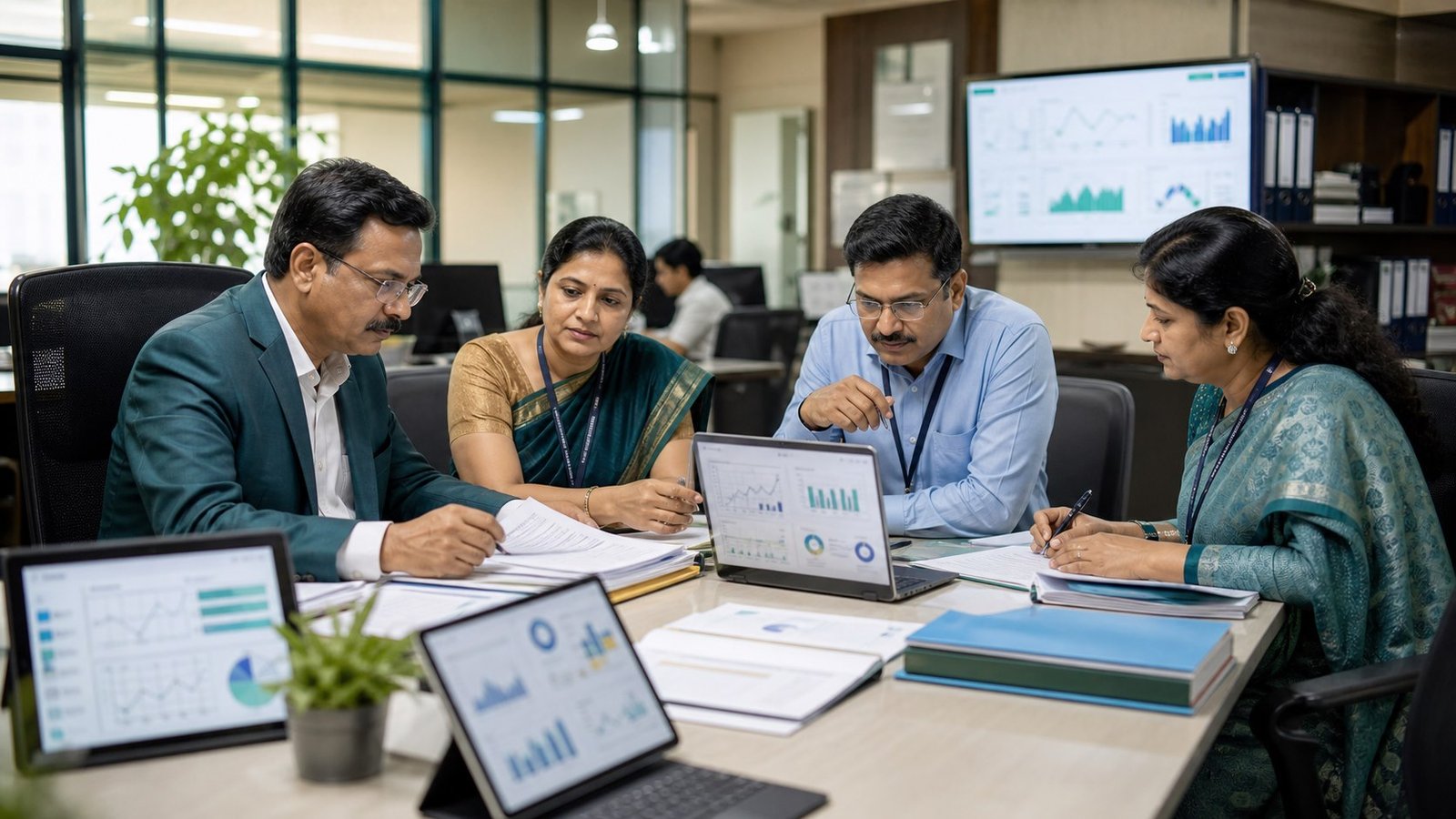
Solution fit
Best fit for degree, engineering, professional, and autonomous colleges that want connected academic, administrative, finance, examination, and reporting workflows.
ESAAP connects college users, master data, approvals, reports, dashboards, and role-based access around the chosen solution.
Decide which workflows, users, reports, integrations, and rollout questions should be covered in the ESAAP demo.
Operating pressure points
Admissions, academics, exams, accounts, and administration often maintain separate student files.
Dues, hall tickets, eligibility, marks, results, and revaluation need clean coordination.
Principals and management need live visibility instead of waiting for department-wise MIS preparation.
People to involve
Review team
Best fit for degree, engineering, professional, and autonomous colleges that want connected academic, administrative, finance, examination, and reporting workflows.
Leadership, administrators, operations heads, and decision-makers. Review dashboards, reports, rollout scope, service quality, and adoption priorities.
Review daily workflows, data capture, ownership, approvals, communication, and service turnaround.
Review fee visibility, exam readiness, evidence, reports, audit trails, and exception handling where applicable.
Review data migration, role access, integrations, security controls, training, support, and phased implementation.
Automation coverage
Primary automation value
Inquiry, admission, enrollment, student master, attendance, academics, fees, exams, services, placement, and alumni records stay connected.
Bring hall tickets, eligibility, marks, valuation, results, revaluation, fee dues, collections, receipts, and reconciliation into one review path.
Principal, HOD, faculty, accounts, administration, exam cell, IQAC, IT, and management teams see role-specific reports.
Custom activity automation
Certificates, grievances, scholarships, approvals, letters, permissions, and service desk requests can become owned workflows.
Meetings, mentoring, internal reviews, academic plans, lab usage, event coordination, and report submissions can be tracked.
Document collection, circular approvals, fee exceptions, hostel or transport requests, and compliance tasks can be configured.
Next pages to review
Keep one trusted student record across admissions, academics, fees, exams, and services.
View details Academic PlanningPlan programs, timetables, attendance, faculty workload, internal marks, and department readiness.
View details Fees and FinanceTrack fee rules, collections, concessions, receipts, dues, and reconciliation.
View details Examination ManagementControl timetables, hall tickets, marks, results, and exam reporting.
View detailsBefore and after
Each department keeps its own spreadsheet or register.
Student lifecycle
Admissions, academics, fees, exams, and reports work from connected records.
Students depend on office follow-up for routine status and documents.
College office
Role-based access can reduce routine queries and make requests traceable.
Principal and management wait for compiled reports.
Leadership
Dashboards summarize admissions, fees, attendance, exams, and compliance signals.
Demo walkthrough
Admissions, academics, exams, accounts, and administration often maintain separate student files.
Review the relevant college workflows, then inspect the screens, dashboards, role access, reports, and follow-up path your team will use.
Choose whether admissions, student records, fees, exams, or reports should go live first.
Review the college automation demo to decide whether your team needs pricing scope, brochure review, migration planning, or implementation planning next.
Demo preparation
Choose whether admissions, student records, fees, exams, or reports should go live first.
Identify registrar, accounts, exam cell, faculty, HOD, principal, and IT owners before rollout.
Measure report preparation effort, dues visibility, attendance risk follow-up, and exam control.
Frequently asked questions
Most colleges start with admissions, student records, fees, examinations, attendance, and reporting, then expand into HR, compliance, mobile, and integrations.
Yes. ESAAP can support degree, professional, engineering, autonomous, and similar college models with configurable workflows.
Bring student strength, departments, current systems, priority workflow, fee/exam/reporting issues, and migration questions.
Next step
Share your organization type, current systems, and the college automation workflow you want to automate first so the demo can stay specific.